
Feedback
freeTrialImage.bannerPity
freeTrialImage.upgradeUnlock
- ✓freeTrialImage.benefitHd
- ✓freeTrialImage.benefitWatermark
- ✓freeTrialImage.benefitUnlimited
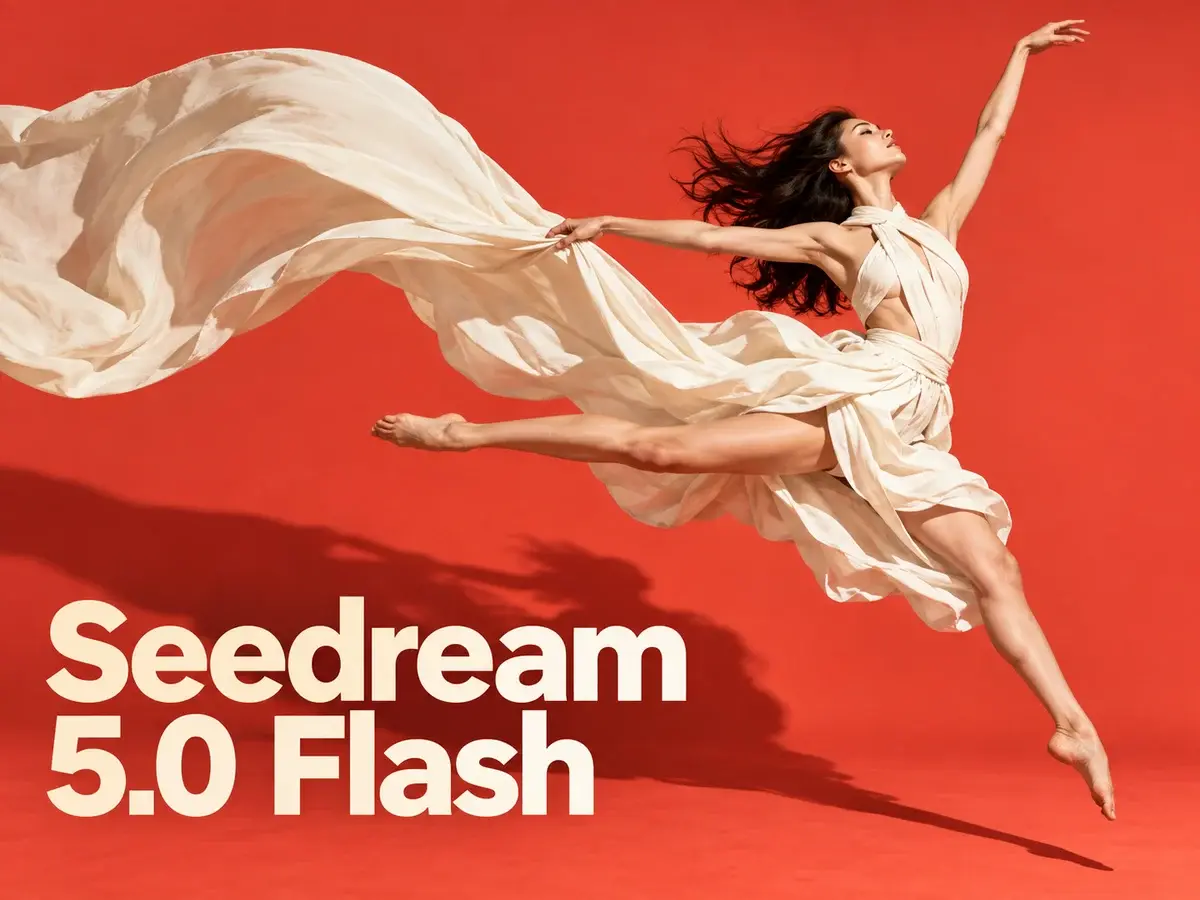
Seedream 5.0 flash
Seedream 5.0 flash turns a short prompt or ten photos into polished visuals in seconds — pick 1K to 2K, export PNG or JPEG, no watermark.
AI Tools
Explore AI tools



What Makes Seedream 5.0 Flash Stand Out
A lightweight member of ByteDance's Seedream 5.0 family, tuned for rapid turnaround and for edits that blend several reference photos at once.
- The Quick, Low-Cost TierBuilt as the economical choice within ByteDance's Seedream 5.0 range — lighter than the flagship Seedream 5.0 Pro, but far quicker to respond.
- Same Cost at Every SizeWhether you export at 1K, 1.5K or 2K, one render costs 3 credits; edits carry that identical price and uploaded references are always free.
- Blend Up to Ten ReferencesUpload as many as ten images, describe the adjustment in plain words, and Flash combines them into one finished picture.
Running Seedream 5.0 Flash in Three Steps
From a blank prompt to a finished image in a few clicks.
Seedream 5.0 Flash: Common Questions
Straight answers about generation speed, reference edits, credit costs and export sizes.
What separates Seedream 5.0 Flash from Seedream 5.0 Pro?
Pro is ByteDance's flagship, built for maximum visual fidelity and standout typography; Flash trades a little of that polish for much faster, cheaper output at up to 2K.
What sizes and aspect ratios are available?
You can export at 1K, 1.5K or 2K and pick from a wide spread of ratios, ranging from 21:9 ultrawide to 9:16 vertical.
Do higher resolutions cost more credits?
No — 3 credits covers a single image at any resolution. Edits carry the same price, and uploading references never adds to the total.
How many references can one edit hold?
Up to ten. Once your images are in place, describe the adjustment and Flash blends the subjects, products and styles into a single result.
Does it handle lettering in languages other than English?
It does. Legible text can be baked into a picture in English or several other languages, which suits posters, menus, social graphics and product mockups.
Which models sit in the Seedream family?
The lineup covers Seedream 5.0 Pro, Seedream 5.0, Seedream 4.5 and Seedream 4, each balancing fidelity, typography and generation quality differently.
Start Creating With Seedream 5.0 Flash
Bring a written prompt or ten reference photos and refine until it feels right — 3 credits per image, delivered up to 2K as PNG or JPEG, references included free.